

Cybersecurity for a Safer Digital World
In today’s hyper-connected world, every click, every connection, and every piece of shared data poses a potential risk. Cyberthreats no longer target only large corporations: individuals, small and medium-sized businesses, and organizations—no one is safe. Understanding the challenges of online security is now a necessity, not a luxury.
On this site, you’ll find clear, accessible, and regularly updated information to help you identify threats, develop good habits, and secure your devices, accounts, and data. Whether you’re a beginner or an experienced user, our resources are tailored to your level.
From password management to protection against malware, and from understanding network attacks to online scams, we cover the entire spectrum of consumer cybersecurity.
The threats you face
01
Phishing and Social Engineering
02
Malware
Malware—including viruses, ransomware, spyware, and Trojans—sneaks onto your devices to steal your data, encrypt your files for ransom, or spy on your activity. A simple download from an unsecured website is often all it takes to infect your device.
03
Denial-of-service (DDoS) attacks
Essential Best Practices
Managing your passwords wisely is essential for protecting your online accounts. A strong password is long (at least 12 characters), unique for each service, and combines letters, numbers, and symbols. Using a password manager allows you to remember just one password while having different login credentials everywhere. Enabling two-factor authentication (2FA) adds an extra layer of security: even if your password is compromised, access to your account remains blocked without the second factor—whether it’s an SMS code, an authentication app, or a physical key. Keeping your software up to date is also essential, as updates don’t just add features—they also fix security vulnerabilities—and enabling automatic updates remains one of the most effective ways to reduce your exposure to risks. Browsing securely means always checking for HTTPS in the address bar before entering sensitive information, avoiding public Wi-Fi networks for banking, and using a reliable VPN when connecting from an unsecured hotspot.
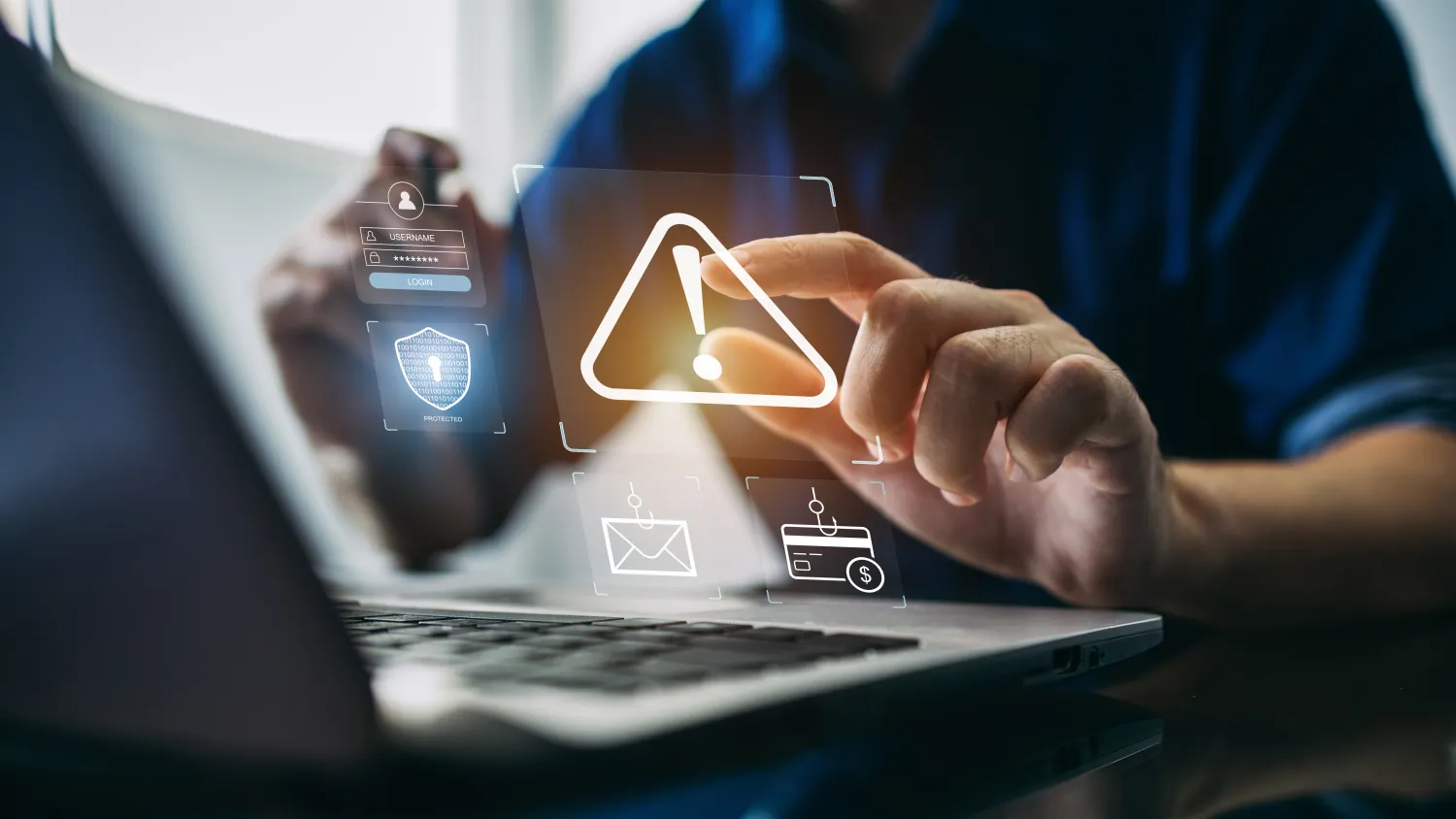
Phishing: How to Spot Phishing Attempts Before It's Too Late
An e-mail from your bank asking you to “verify your account within 24 hours”. A text message from la poste notifying you of a blocked parcel. A message from a recruiter offering you a deal that seems too good to be true. Phishing is everywhere, increasingly sophisticated — and it claims millions of victims every year.
In france, phishing is one of the most common cyber threats affecting individuals. Learning to recognize it gives you the means to avoid falling into the trap.
What is phishing?
Phishing (or “hameçonnage”) is a scam technique that involves impersonating a trusted organization — bank, telecom provider, tax office, delivery platform — in order to trick you into revealing sensitive information: login credentials, bank details, card numbers, or personal data.
The attack can take several forms: e-mail (classic phishing), sms (smishing), phone call (vishing), or messages on social networks. In all cases, the goal is the same: exploit your trust or sense of urgency to make you act without thinking.
Warning signs to know
An alarmist tone and artificial urgency
“your account will be suspended”, “action required within 48 hours”, “payment pending confirmation”… phishing attacks rely on fear and urgency to push you into acting impulsively. a legitimate organization will never ask you to click a link within such a short timeframe under threat of serious consequences.
A suspicious sender address
Carefully check the full e-mail address of the sender, not just the displayed name. a legitimate french bank does not send e-mails from addresses like “support@credit-agricol-fr.net” or “noreply@banque-secure-espace.com”. subtle variations — missing letters, unusual domains — are a clear warning sign.
Links that do not lead where they claim
Before clicking a link, hover over it to see the real url. a link displayed as “www.impots.gouv.fr” may actually lead to “impots-remboursement.xyz”. also be cautious with shortened links that hide the final destination.
Spelling mistakes and imperfect formatting
Even though phishing campaigns are becoming more polished, fraudulent messages often contain grammatical errors, awkward phrasing, or formatting slightly different from official communications. when in doubt, compare with a previous legitimate e-mail from the same service.
What to do if you receive a suspicious message?
Do not click any links or open attachments
The golden rule: when in doubt, do not click. go directly to the official website of the service by typing its address in your browser, or contact customer support using a known and trusted method: the number on your bank card or the official website.
Report the message
In france, you can report phishing attempts via signal-spam (signal-spam.fr) for e-mails, or by sending the sms to 33700 for fraudulent text messages. these reports help authorities and internet service providers protect other users.
If you clicked by mistake
Do not panic, but act quickly. if you entered login credentials, immediately change your password and enable 2fa. if you shared banking information, contact your bank without delay to block any suspicious transactions and trigger the reimbursement procedure.
Passwords: the mistakes that expose you and how to fix them
“123456”, “azerty”, “password”… These passwords are still at the top of the list of the most commonly used credentials in the world. They are also among the first tested by automated attack tools. Taking a closer look at your password habits is one of the most effective steps you can take to improve your online security.
The most common mistakes
Reusing the same password everywhere
This is the most dangerous mistake. When a website is compromised and your credentials are leaked on the dark web, attackers automatically test them across dozens of other services (credential stuffing). If you use the same password for your email and your bank account, a leak from any random forum can be enough to cause major damage.
Choosing overly predictable passwords
First names, birth dates, city names, or logical sequences are the first combinations tested in brute-force or dictionary attacks. An attacker with a few personal details — often gathered from your social media — can guess your password in seconds.
Never changing them
Some users keep the same password for years. However, a data breach may go undetected for months. Regularly changing passwords on sensitive accounts reduces the exposure window.
How to create and manage strong passwords
The passphrase technique
Instead of a complex password that is hard to remember, use a passphrase: a sequence of four to six random words (“sun-guitar-cloud-raspberry-42”). It is long, memorable, and extremely difficult to crack via brute force.
Password managers
A password manager automatically generates and stores long, unique credentials for each service. You only need to remember a single master password. Reliable solutions include Bitwarden (open source and free), 1Password, Dashlane, or KeePassXC for more advanced users. These tools can also alert you if one of your credentials appears in a known data breach.
Two-factor authentication (2FA)
Even with a strong password, enabling 2FA is essential for your critical accounts. By adding a second factor — a temporary code via Authy or Google Authenticator, or a physical security key such as a YubiKey — you make your account virtually inaccessible even if your password is leaked.
Checking if you’ve already been compromised
The free service HaveIBeenPwned (haveibeenpwned.com) allows you to check whether your email address appears in known data breaches. If it does, immediately change the password of the affected service and any other service where you have reused it.
Password security is not a constraint: it is an investment of just a few minutes that can save you weeks of administrative hassle, financial loss, or identity theft.
Understanding DDoS attacks: how they work and how to protect yourself
You may have already heard about a major online service going down due to a “DDoS attack.” But what exactly does that mean? Who is targeted, and how can you protect yourself?
Distributed Denial of Service (DDoS) attacks are among the most feared threats on the internet. They are not designed to steal your data — their goal is simpler and just as destructive: to make a service completely unusable.
What is a DDoS attack?
The principle of denial of service
Imagine a restaurant with 20 tables. If 200 people show up at the same time without ordering anything and block all entrances, real customers can no longer get in. This is exactly what a DDoS attack does to a web server.
A server has limited resources — bandwidth, memory, processing power. When it is flooded with millions of fake requests per second, it can no longer respond to legitimate users and becomes unavailable.
The role of botnets
The key feature of a DDoS attack is that it is distributed: it is carried out from thousands, sometimes millions, of machines at the same time. These machines — called “bots” — are often computers, routers, or connected devices previously infected with malware without their owners’ knowledge. Together, they form a botnet controlled by one or more attackers.
The different types of DDoS attacks
Volumetric attacks
The most common type. They aim to saturate bandwidth by sending an enormous volume of data. Techniques include DNS or UDP amplification, which exploit third-party servers to multiply the effect of malicious traffic.
Protocol-based attacks
These attacks target network infrastructure resources (routers, firewalls) rather than bandwidth itself. SYN flood attacks exploit a vulnerability in the TCP protocol to exhaust a server’s connection tables.
Application-layer attacks (layer 7)
The most sophisticated type. They mimic legitimate user behavior to bypass traditional defenses. Thousands of seemingly normal requests can be enough to bring a service down.
Who is targeted by DDoS attacks?
Mainly companies, online gaming platforms, media outlets, financial institutions, and government infrastructure. However, small and medium-sized businesses are not spared: their often weaker defenses make them attractive targets.
For end users, a DDoS attack results in inaccessible services: an e-commerce site offline, a banking app unavailable, a streaming platform down. The frustration is real, even if you are not directly targeted.
How to protect yourself from DDoS attacks
For individuals
You cannot stop a DDoS attack targeting a third-party service. However, you can prevent your device from becoming part of a botnet:
- Keep your operating system and applications up to date.
- Install reliable antivirus software and enable your router’s firewall.
- Change default passwords on your connected devices (routers, cameras, printers).
For businesses and developers
Specialized solutions exist: DDoS mitigation services, application firewalls, rate limiting, and redundant architectures. Regular traffic monitoring can also help detect abnormal behavior before it becomes critical.
DDoS attacks perfectly illustrate the collective nature of cybersecurity: an unprotected device can become a weapon in an attacker’s hands. Protecting your machine also means helping to protect the entire digital ecosystem.
Contact us
Contact Details
Phone
940-655-4732
Address
4402 Olen Thomas Drive Thalia, TX 76384